Autopay EG
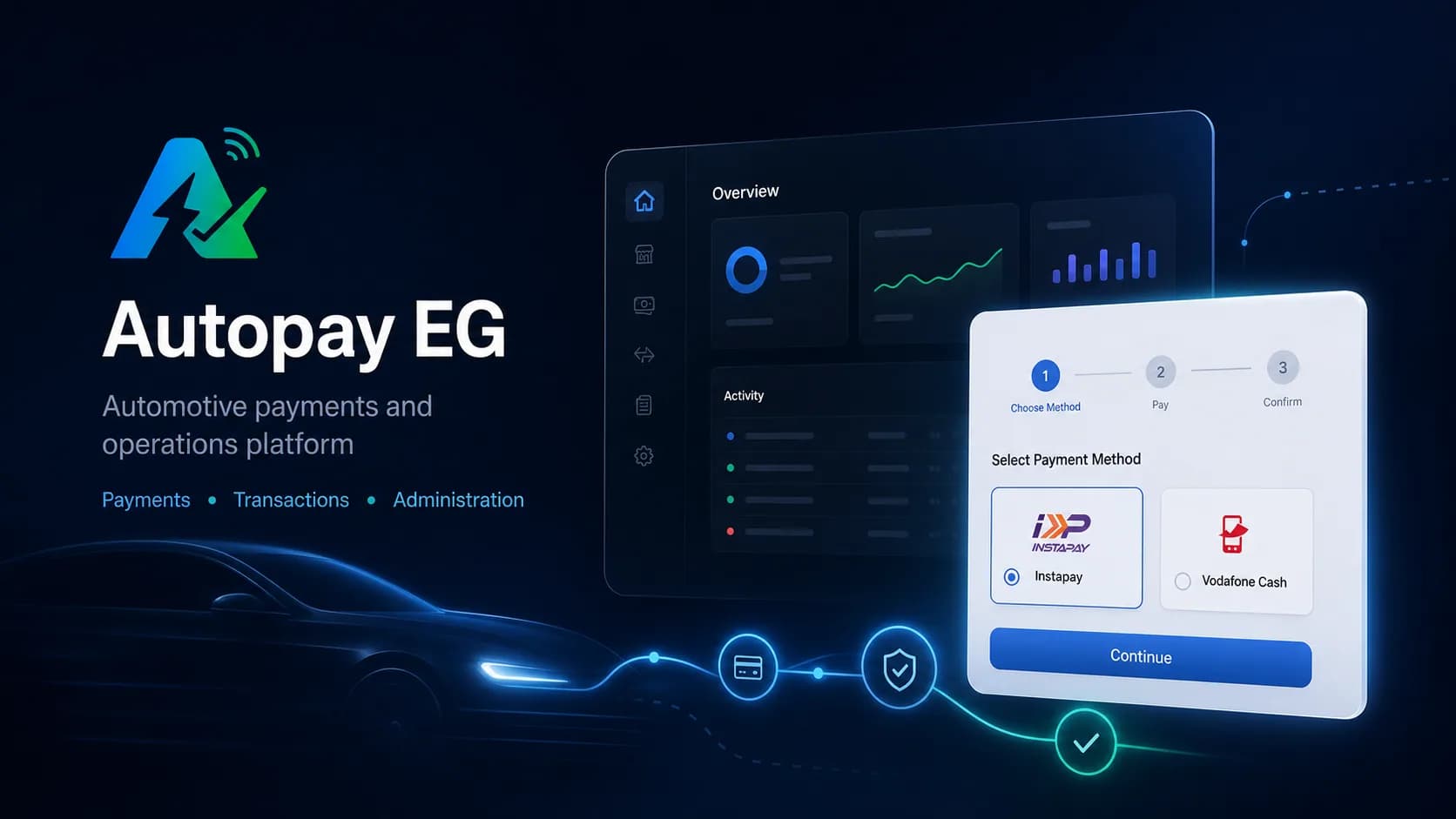
Stop checking transfer screenshots. Autopay tells you which order each Vodafone Cash or InstaPay payment belongs to.
The problem
"I transferred, here is the screenshot." For a store that accepts Vodafone Cash or InstaPay, every order means opening the wallet, finding the matching amount and checking the sender. The order waits meanwhile, and when two customers send the same amount, mistakes happen.
How Autopay EG helps
With Autopay, the customer gets clear payment instructions for their order. When the transfer arrives, Autopay finds the order it belongs to and marks it paid. You see it on one screen, and if your store is on Shopify or WooCommerce, the order updates by itself. Anything unclear waits for you to check, so nothing is marked paid by mistake.
What Autopay EG does
Each payment finds its order
Incoming transfers are matched to the right invoice, not just the right amount.
Orders move faster
A clear match means the order can go to preparation without waiting for someone to check.
The wallets your customers use
Customers pay with Vodafone Cash or InstaPay, as they already do.
Unclear payments wait for you
If a transfer does not match clearly, it stays for review instead of being marked paid.
Works with your store
Connect Shopify or WooCommerce and the order status updates on its own.
Connect your own system
Developers can create invoices and receive payment updates from your own software.
How it works
The customer orders
Your store creates the invoice and shows the customer how to pay.
The customer transfers
They pay from Vodafone Cash or InstaPay, as usual.
You see it confirmed
Autopay matches the payment and marks the order paid.
Who Autopay EG is for
- Online stores in Egypt that accept wallet and InstaPay transfers.
- Shops selling through WhatsApp or Instagram that confirm every payment by hand today.
- Shopify and WooCommerce stores that want paid orders to update on their own.
Stop chasing transfer screenshots
Visit autopayeg.com to see how Autopay confirms your customers' payments.